Technical SEO for Small Businesses: A Practical Checklist
3 February 2026

Technical SEO for Small Businesses: A Practical Checklist
Introduction
In today's digital landscape, having a strong online presence is crucial for small businesses, especially in competitive areas like Manchester and Middleton. Technical SEO plays a vital role in ensuring your website is not only discoverable by search engines but also provides a seamless user experience. This article outlines a practical checklist that small business owners can use to enhance their technical SEO strategies effectively.
Table of Contents
Understanding Technical SEO
Technical SEO refers to the optimisations that help search engines crawl and index your website more effectively. It involves improving aspects of your website that are not directly related to content but are crucial for search engine visibility.
Why Technical SEO Matters for Small Businesses
For small businesses, especially those in competitive urban areas like Manchester, effective technical SEO can significantly influence search engine rankings, user experience, and ultimately, conversions. A well-optimised website ensures that potential customers can find you easily, which is essential for success.
Technical SEO Checklist
Website Architecture
- Ensure a clear site structure: Organise your website with a logical hierarchy that allows both users and search engines to navigate it easily.
- Use descriptive URLs: Implement SEO-friendly URLs that include relevant keywords. For example, instead of
www.yoursite.com/page1, usewww.yoursite.com/services/web-development.
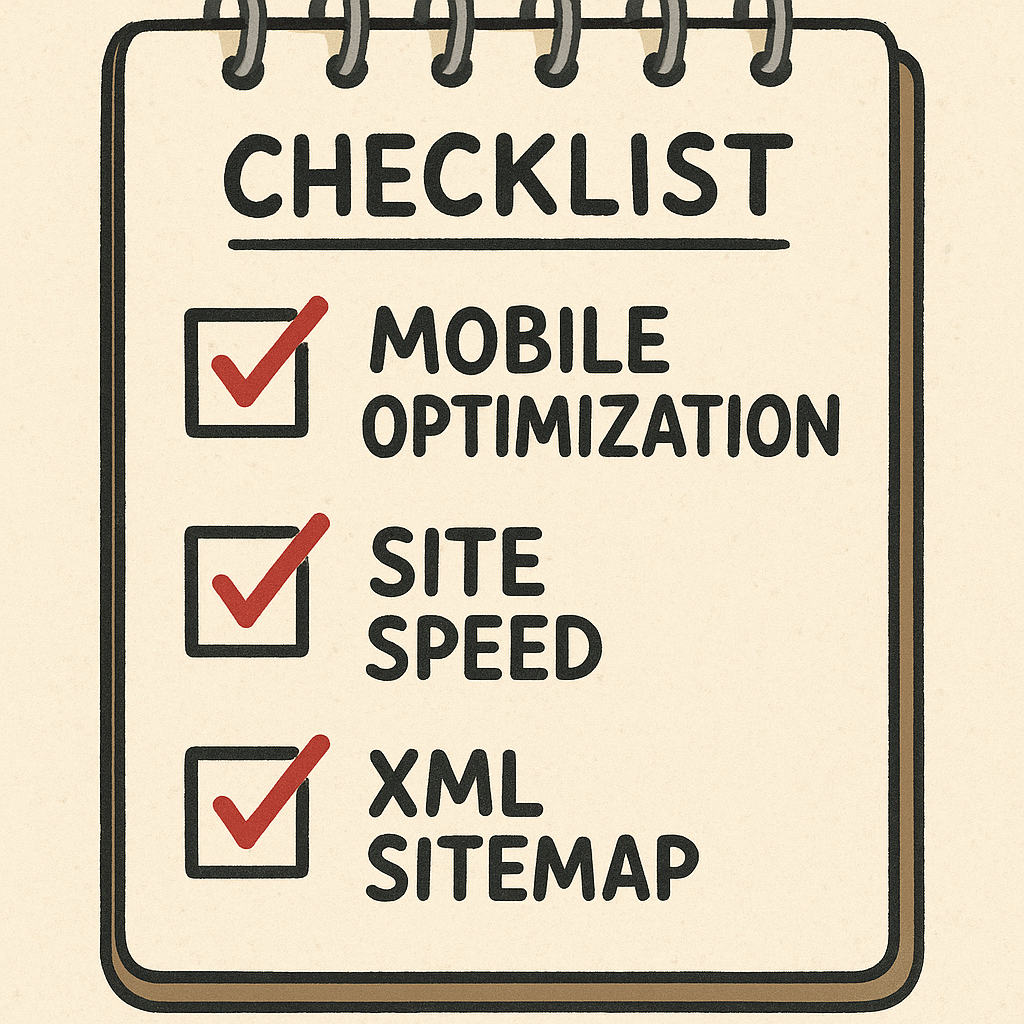
Mobile Optimization
- Responsive design: Your website must be responsive, meaning it adjusts seamlessly to different screen sizes. Use tools like Google's Mobile-Friendly Test to check your site's mobile compatibility.
- Optimise images: Ensure that images are appropriately sized and compressed for mobile devices to improve load times.
Site Speed
- Check page load speed: Use tools like Google PageSpeed Insights to analyse your site's performance and identify areas for improvement.
- Minimise HTTP requests: Reduce the number of elements on your pages to decrease load times.
Secure Sockets Layer (SSL)
- Implement HTTPS: Ensure your website is secured with SSL, as this is a ranking factor for Google. An SSL certificate encrypts data exchanged between your site and its users.
XML Sitemap
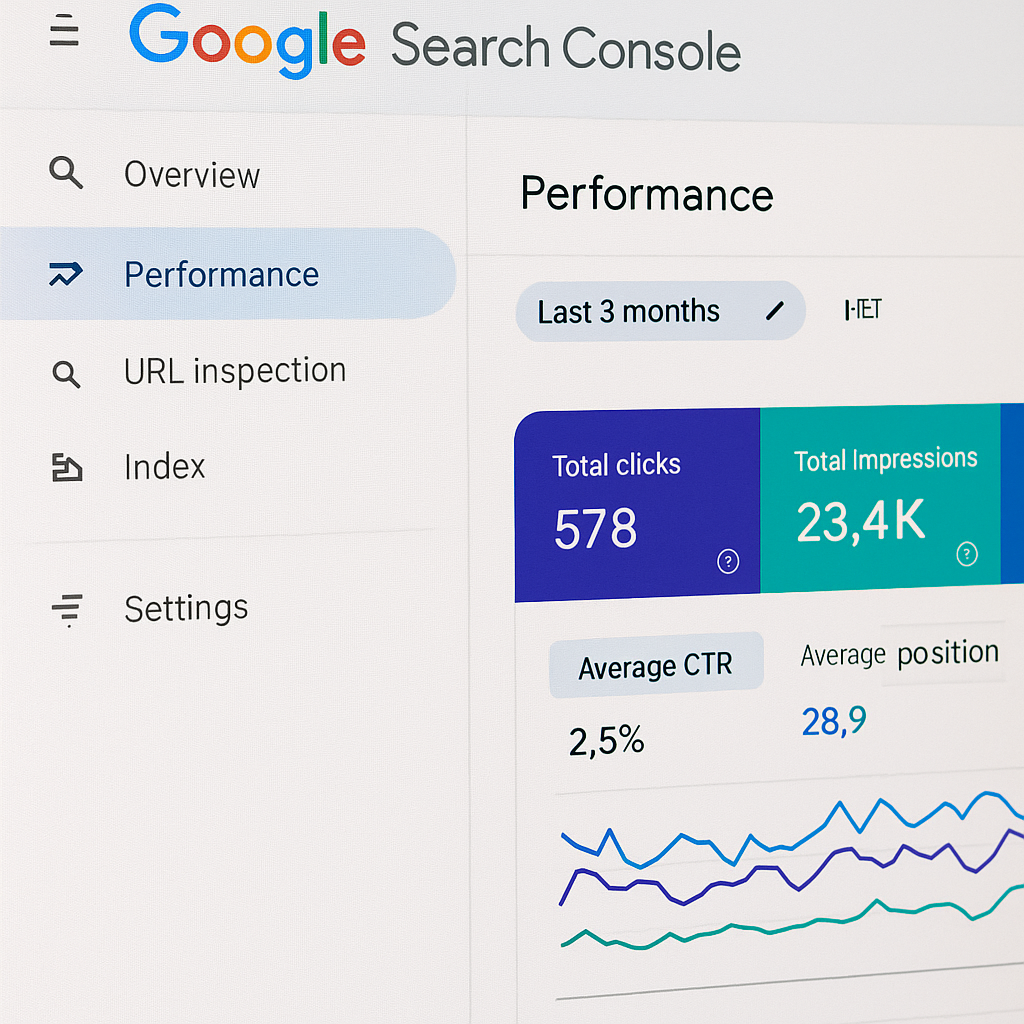
- Create and submit an XML sitemap: This file helps search engines understand your website structure and index it efficiently. You can generate a sitemap using tools like XML-sitemaps.com and submit it through Google Search Console.
Robots.txt File
- Configure your robots.txt file: This file tells search engines which pages to crawl and which to avoid. Ensure it's properly set up to prevent indexing of low-value pages.
Structured Data Markup
- Implement schema markup: Use structured data to help search engines understand your content better. This can enhance your search result listings with rich snippets. Refer to Schema.org for guidelines.
404 Pages and Redirects
- Create custom 404 pages: A user-friendly 404 page can help retain visitors even when they encounter a broken link. Include links to popular pages or a search bar.
- Set up 301 redirects: If you change URLs, use 301 redirects to guide users and search engines to the new page without losing traffic.
Key Takeaways
| Key Aspect | Importance | Actionable Steps |
|---|---|---|
| Website Architecture | Enhances navigation and user experience | Organise site logically, use descriptive URLs |
| Mobile Optimization | Critical for user experience and rankings | Ensure responsive design and optimised images |
| Site Speed | Affects user satisfaction and bounce rates | Check load speed, minimise HTTP requests |
| SSL | Essential for security and trust | Implement HTTPS by obtaining an SSL certificate |
| XML Sitemap | Aids search engines in indexing your site | Create and submit an XML sitemap |
| Robots.txt File | Controls search engine access to your site | Configure appropriately to prevent indexing of low-value pages |
| Structured Data Markup | Improves search visibility with rich snippets | Implement schema markup according to guidelines |
| 404 Pages and Redirects | Helps retain users and maintain SEO value | Create user-friendly 404 pages and set up 301 redirects |
FAQ
Q: How often should I check my technical SEO?
A: Regularly review your technical SEO, ideally every few months or after major updates to your website.
Q: Can I do technical SEO myself?
A: Yes, many aspects can be managed by small business owners, but consider consulting an SEO expert for complex issues.
Q: What tools can I use for technical SEO?
A: Tools like Google Search Console, Google Analytics, and various SEO software can help you monitor and improve your technical SEO.
Next Steps
Ready to take your small business's online presence to the next level? Contact us at Quantaum for personalised SEO strategies and web development services. Let’s work together to enhance your website’s technical SEO and drive more traffic to your business! For more information on our web development services, visit Quantaum Web Development.
Related insights
Ready to grow traffic?
Quantaum helps UK businesses build fast, secure websites that rank and convert. Let’s talk.
Contact Quantaum →