Technical SEO for Small Businesses: A Practical Checklist
3 February 2026

Introduction
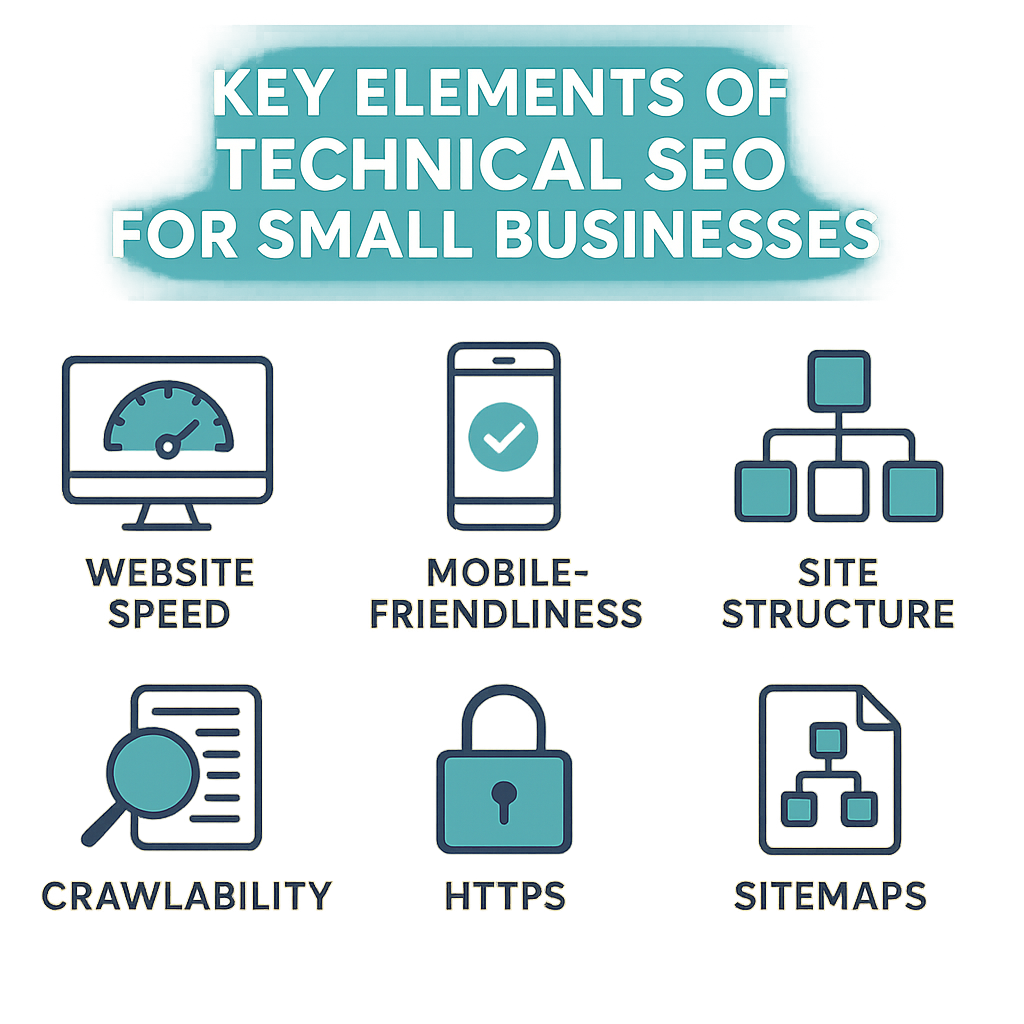
In today’s digital landscape, having a robust online presence is essential, especially for small businesses in Manchester. Technical SEO forms the backbone of your website’s performance, ensuring that search engines can effectively crawl, index, and rank your site. This practical checklist will guide you through the key elements of technical SEO that every small business should address to optimise their website.
Table of Contents

- Mobile-Friendliness
- SSL Certificate and Security
- XML Sitemap and Robots.txt
- Structured Data Markup
- Fixing Crawl Errors
- Key Takeaways
- FAQ
- Next Steps
Understanding Technical SEO
Technical SEO refers to the optimisation of your website’s infrastructure, making it easier for search engines to crawl and index your site. It encompasses various elements, including site speed, mobile-friendliness, and security. By ensuring that your website meets the technical requirements of search engines, you can improve your chances of ranking higher in search results.
Website Structure and Navigation
- Clear Hierarchy: Your website should have a clear structure with well-defined categories and subcategories. This helps both users and search engines navigate your site more effectively.
- URL Structure: Use SEO-friendly URLs that are descriptive and easy to read. For example, instead of
www.example.com/page1, usewww.example.com/technical-seo-checklist. - Internal Linking: Use internal links to guide users to related content on your site, which also helps search engines understand the relationship between different pages. For more on effective linking strategies, visit Google Search Central.
Optimising Page Speed
Page speed is a critical ranking factor. A slow website can lead to high bounce rates and lower conversions. To optimise your page speed:
- Minify CSS, JavaScript, and HTML: Remove unnecessary characters to reduce file size.
- Use a Content Delivery Network (CDN): This distributes your content across various servers worldwide, reducing load times.
- Compress Images: Ensure that images are optimised for the web to reduce their size without sacrificing quality. Tools like TinyPNG can help.
Mobile-Friendliness
With the majority of users accessing websites via mobile devices, ensuring your site is mobile-friendly is paramount. This can be achieved by:
- Responsive Design: Use responsive design principles to ensure your website adjusts seamlessly to different screen sizes.
- Mobile Usability Testing: Use Google’s Mobile-Friendly Test tool to check your site’s mobile compatibility. Learn more here.
SSL Certificate and Security
Having an SSL certificate is essential for building trust with your users and improving your SEO. To secure your site:
- Obtain an SSL Certificate: This encrypts data transferred between your users and your site, enhancing security.
- Regular Security Audits: Conduct regular security checks to identify and resolve vulnerabilities. For more details, refer to gov.uk.
XML Sitemap and Robots.txt
- XML Sitemap: Create and submit an XML sitemap to help search engines understand the structure of your website. This can be done using tools like Google Search Console.
- Robots.txt: Ensure your robots.txt file is correctly configured to guide search engine crawlers on which pages to index and which to ignore.
Structured Data Markup
Implementing structured data helps search engines understand your content better, potentially enhancing your visibility in search results. Use schema markup to:
- Highlight Key Information: Such as business hours, reviews, and product information.
- Use Google’s Structured Data Testing Tool: To ensure that your markup is error-free. Check it out here.
Fixing Crawl Errors
Regularly monitor your website for crawl errors using tools like Google Search Console. Common issues include:
- 404 Errors: Fix broken links to enhance user experience and retain link equity.
- Server Errors: Resolve any server issues that may prevent search engines from accessing your site.
Key Takeaways
| Key Element | Importance | Action Step |
|---|---|---|
| Website Structure | Improves navigation | Organise content into clear categories |
| Page Speed | Affects user retention | Minify files and use a CDN |
| Mobile-Friendliness | Enhances usability on mobile devices | Implement responsive design |
| SSL Certificate | Builds trust and improves SEO | Acquire and install an SSL certificate |
| XML Sitemap | Aids in site indexing | Create and submit your sitemap |
| Structured Data | Enhances search visibility | Implement schema markup |
FAQ
Q: How often should I perform technical SEO audits?
A: It’s recommended to conduct a technical SEO audit at least twice a year to ensure optimal performance.
Q: Can I do technical SEO myself?
A: Yes, many aspects of technical SEO can be managed by yourself, but consider consulting with professionals for advanced strategies.
Q: What tools can help with technical SEO?
A: Popular tools include Google Search Console, SEMrush, and Ahrefs, which can provide insights and recommendations.
Next Steps
Implementing technical SEO is a continual process that can significantly impact your small business's online presence. If you need assistance or wish to delve deeper into web development, contact Quantaum or explore our web development services to enhance your digital strategy.
Ready to grow traffic?
Quantaum helps UK businesses build fast, secure websites that rank and convert. Let’s talk.
Contact Quantaum →